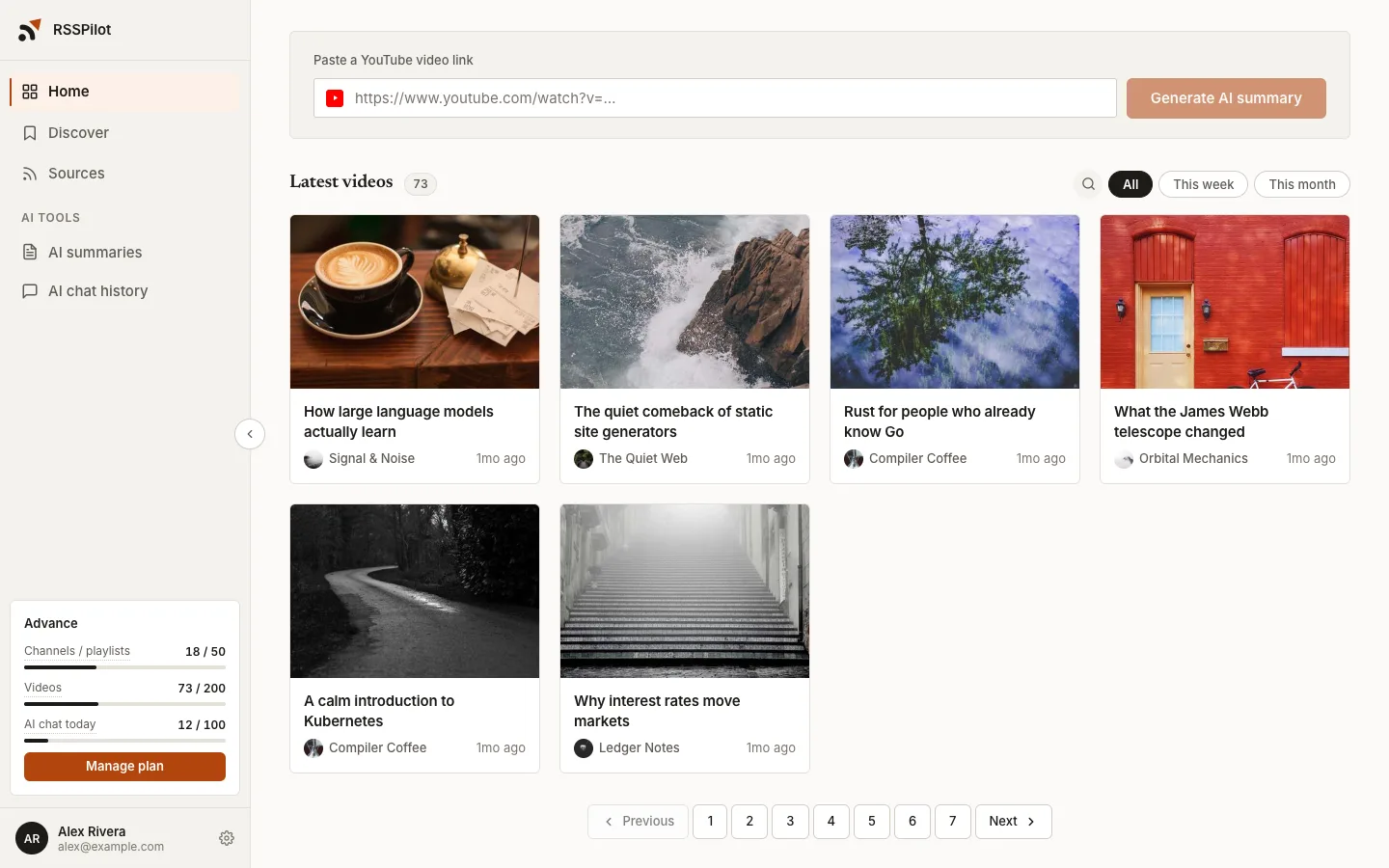
Stop drowning in your YouTube subscriptions
RSSPilot summarizes every new video from the channels you follow, answers your questions about them, and maps each one out. Minutes, not hours.
From subscribed to caught up in three moves
- 01
Follow
Connect the YouTube channels you already subscribe to.
- 02
Summarize
Every new upload gets a summary and key points, automatically.
- 03
Ask
Chat with any video to dig into details or check a claim.
Every new video, summarized before you watch
A short summary up top, key points below. Decide in seconds whether a video is worth your time, and click any timestamp to jump straight to that moment.
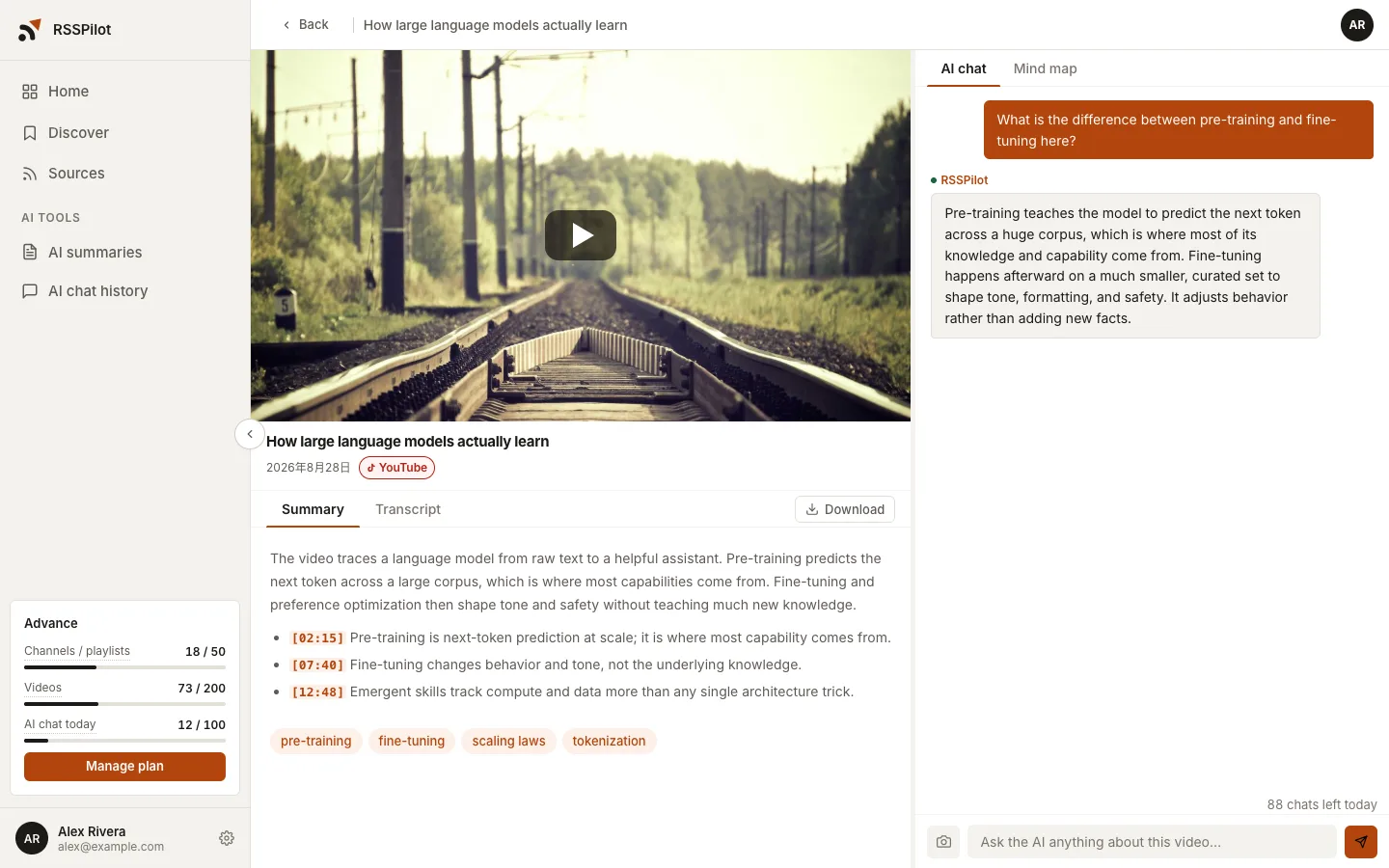
Ask the video anything
Dig into details or check a claim. Answers are grounded in the video itself, with clickable timestamps.
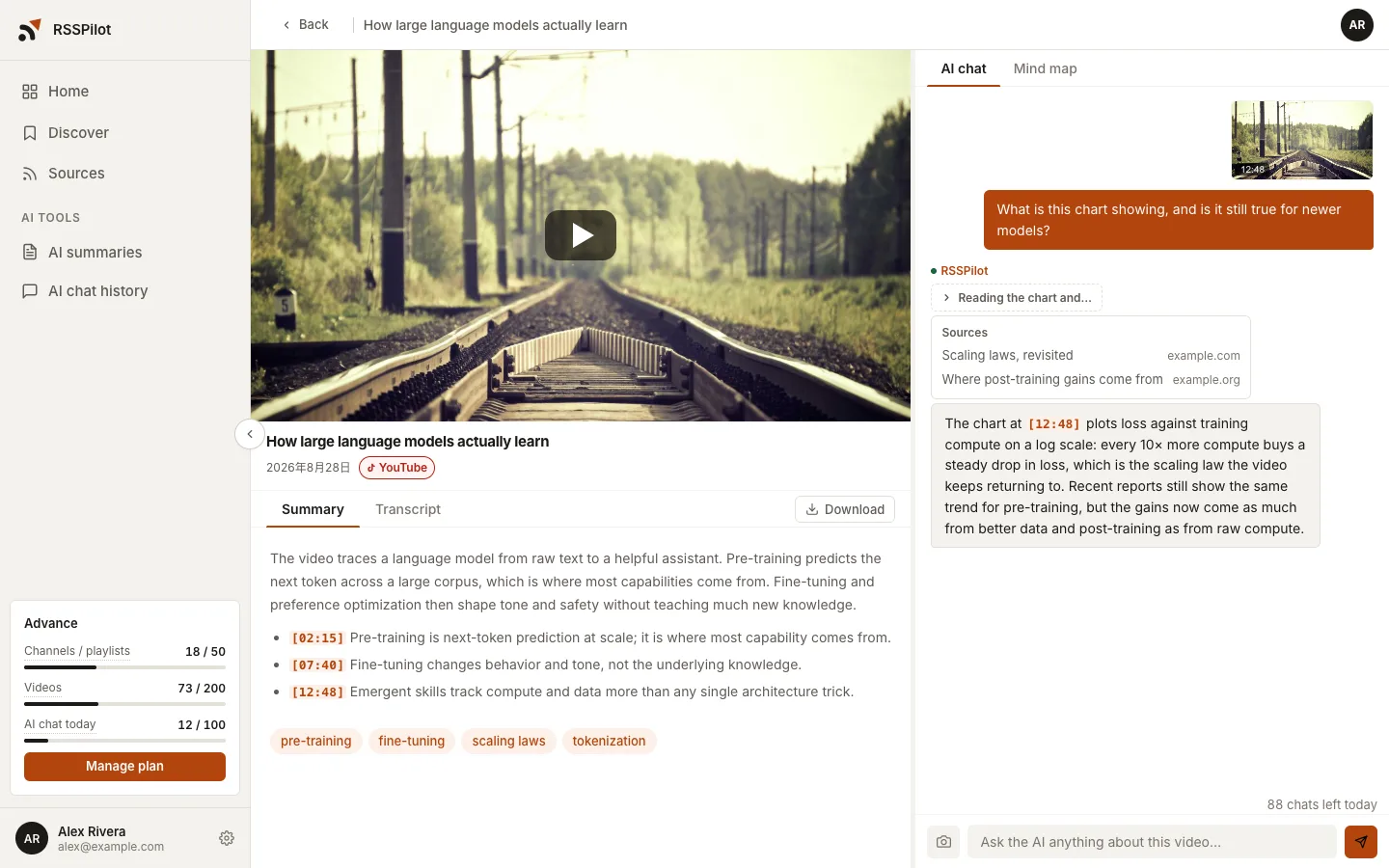
Advance Stuck on a chart or a code sample? Attach a frame from the player. The AI thinks it through and searches the web for newer sources when it needs to.
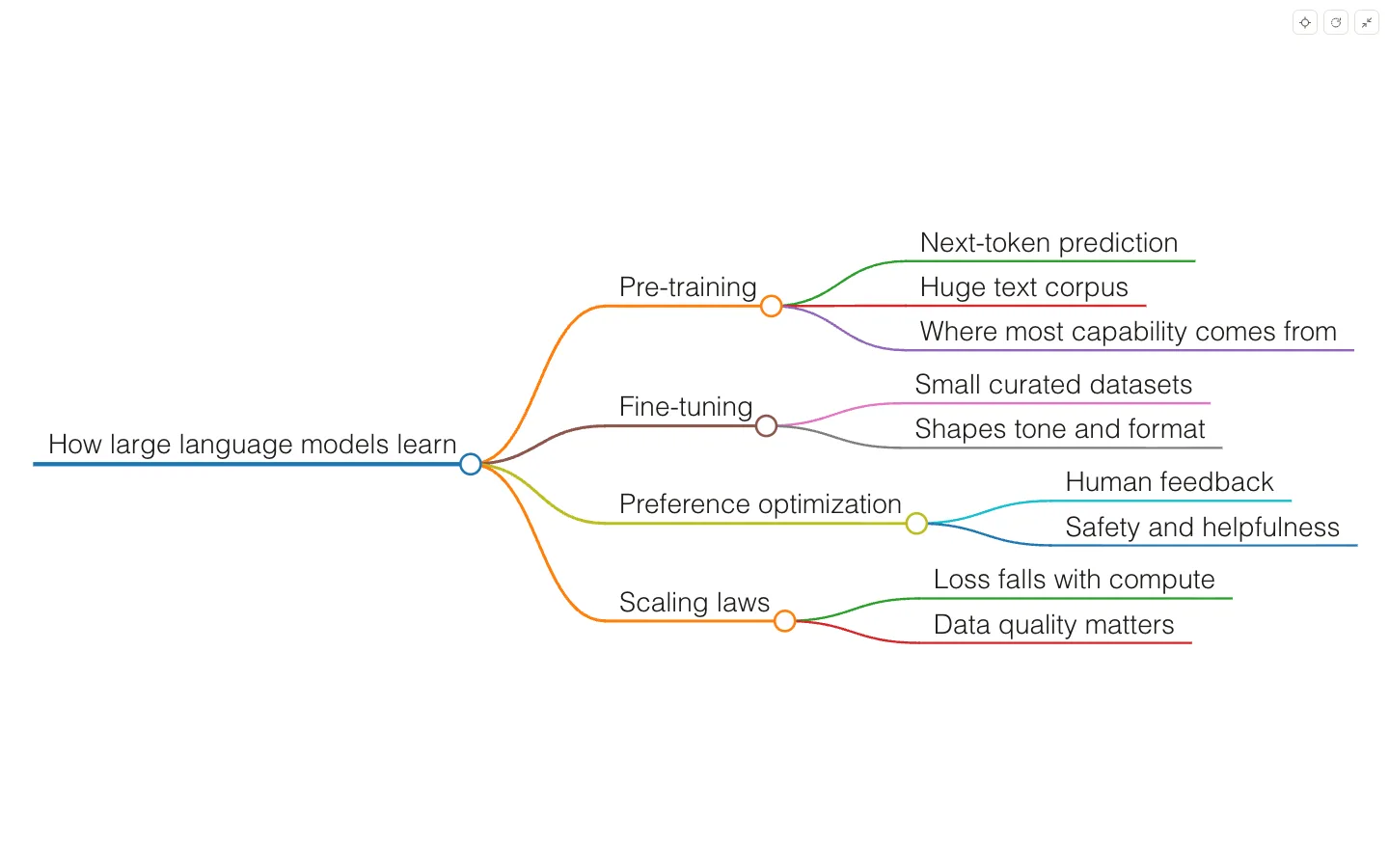
The whole video, mapped on one page
Turn any summary into a layered mind map you can expand, collapse, and view full screen. See the shape first, then pick where to dig in.
For power users
- MCP Pro and up
- Query your channels, videos, summaries, and transcripts from Claude, ChatGPT, and other MCP-capable AI tools.
- Custom summaries Pro and up
- Write your own prompt and decide how new videos get summarized.
- Export summaries Pro and up
- Save your AI summaries as Markdown or plain text and take them into your notes app.
Frequently asked questions
What is RSSPilot?
RSSPilot follows the YouTube channels you subscribe to and writes an AI summary of every new video, so you can keep up by reading instead of watching.
How does RSSPilot summarize a video?
When a channel you follow posts a new video, RSSPilot reads its transcript and produces a short summary and key points, which it can also turn into a mind map. Open any summary to ask follow-up questions.
Which channels can I add?
Any public YouTube channel or playlist. Add the ones you already subscribe to and RSSPilot watches them for new uploads.
Do I have to pay?
No. The free plan lets you follow channels, read summaries, ask questions, and make mind maps. Paid plans start with a free first month, raise your limits, and unlock advanced features.
How do screenshot questions work?
While watching, press the capture button and the current frame is attached to your message, so the AI answers with the picture in view. A question with a frame counts as 2 chats and requires the Advance plan. In the browser, you allow sharing the current tab the first time.
What is the MCP integration?
Create an API key in RSSPilot settings and MCP-capable AI tools such as Claude Desktop and ChatGPT can look up your channels, videos, summaries, and transcripts. Requires Pro or higher.
Which languages are supported?
The interface and AI summaries are available in English, Traditional Chinese, and Simplified Chinese. Switch between them in settings.
Read your subscriptions instead of watching them
Start free. Add your channels and get your first summaries in minutes.
Get started